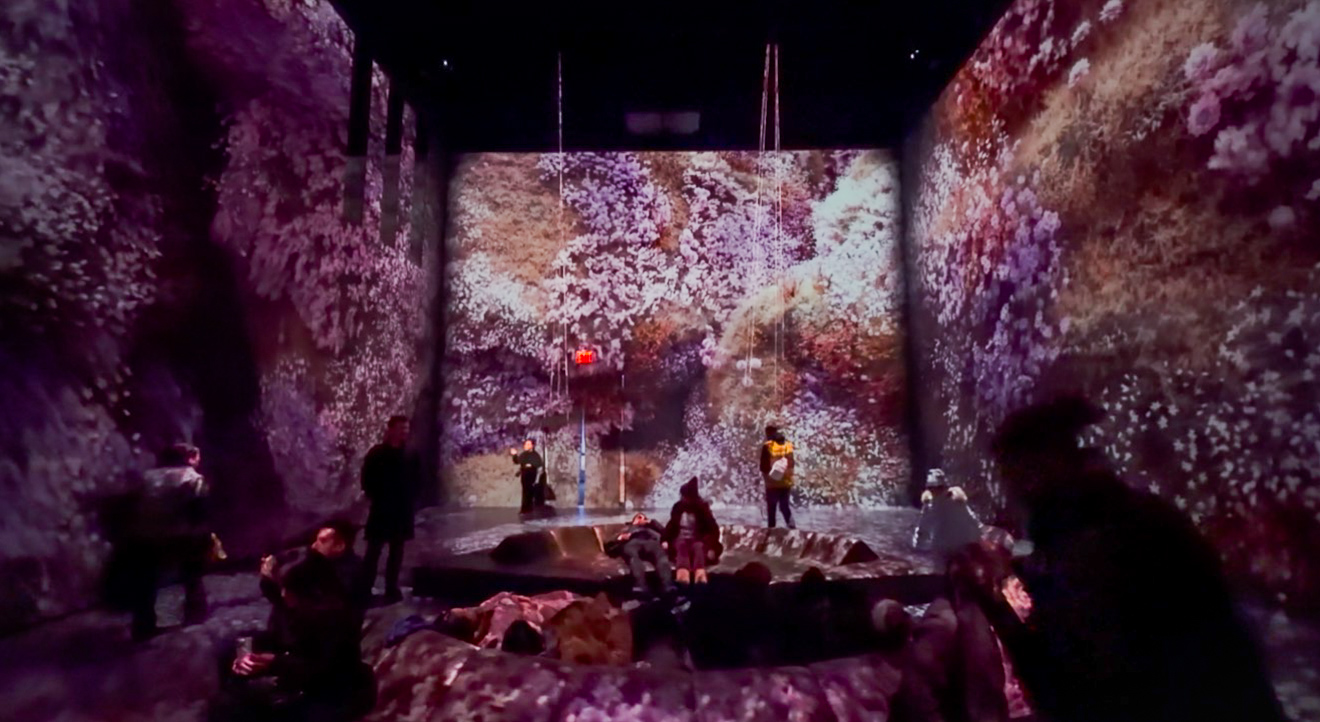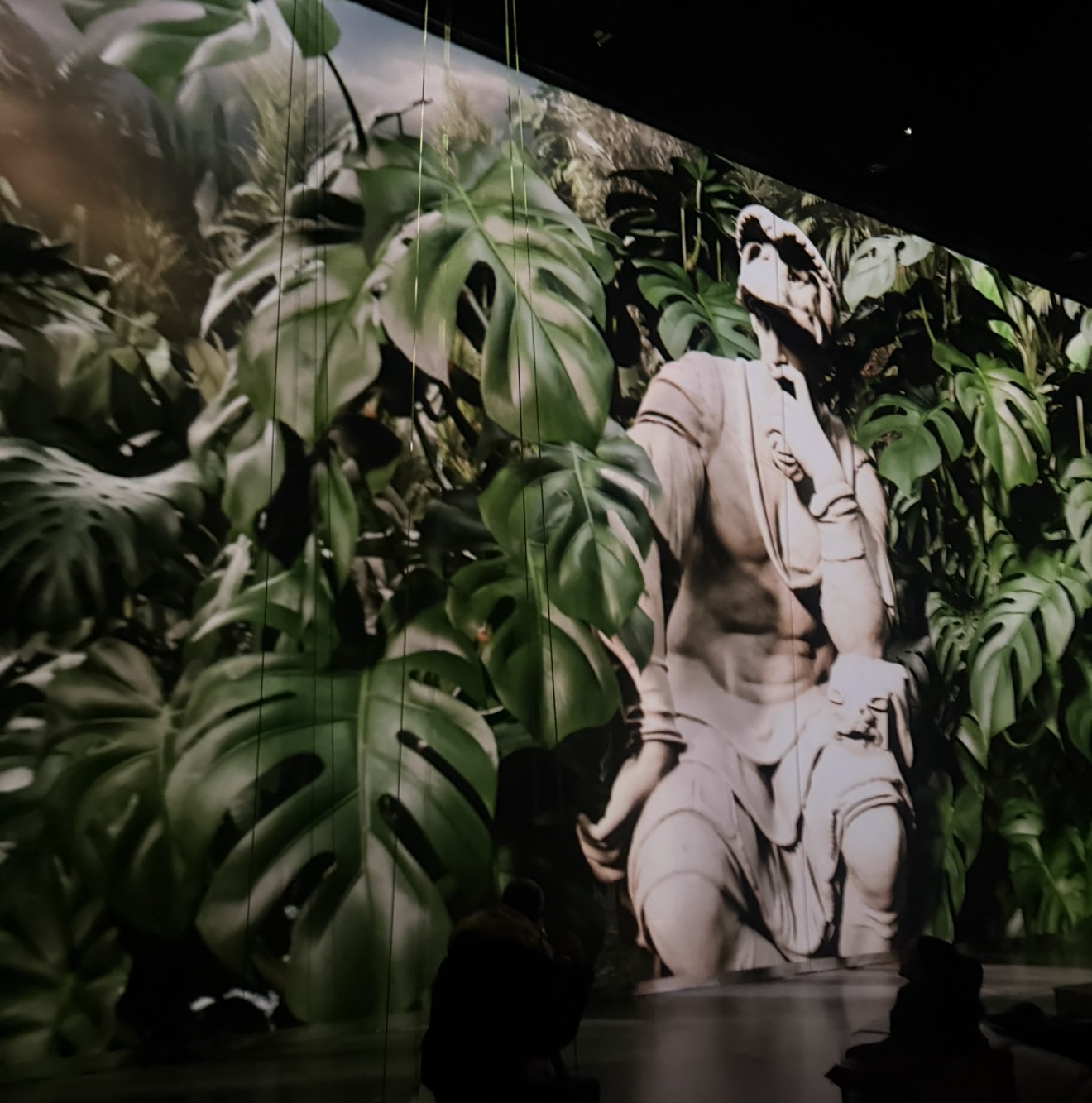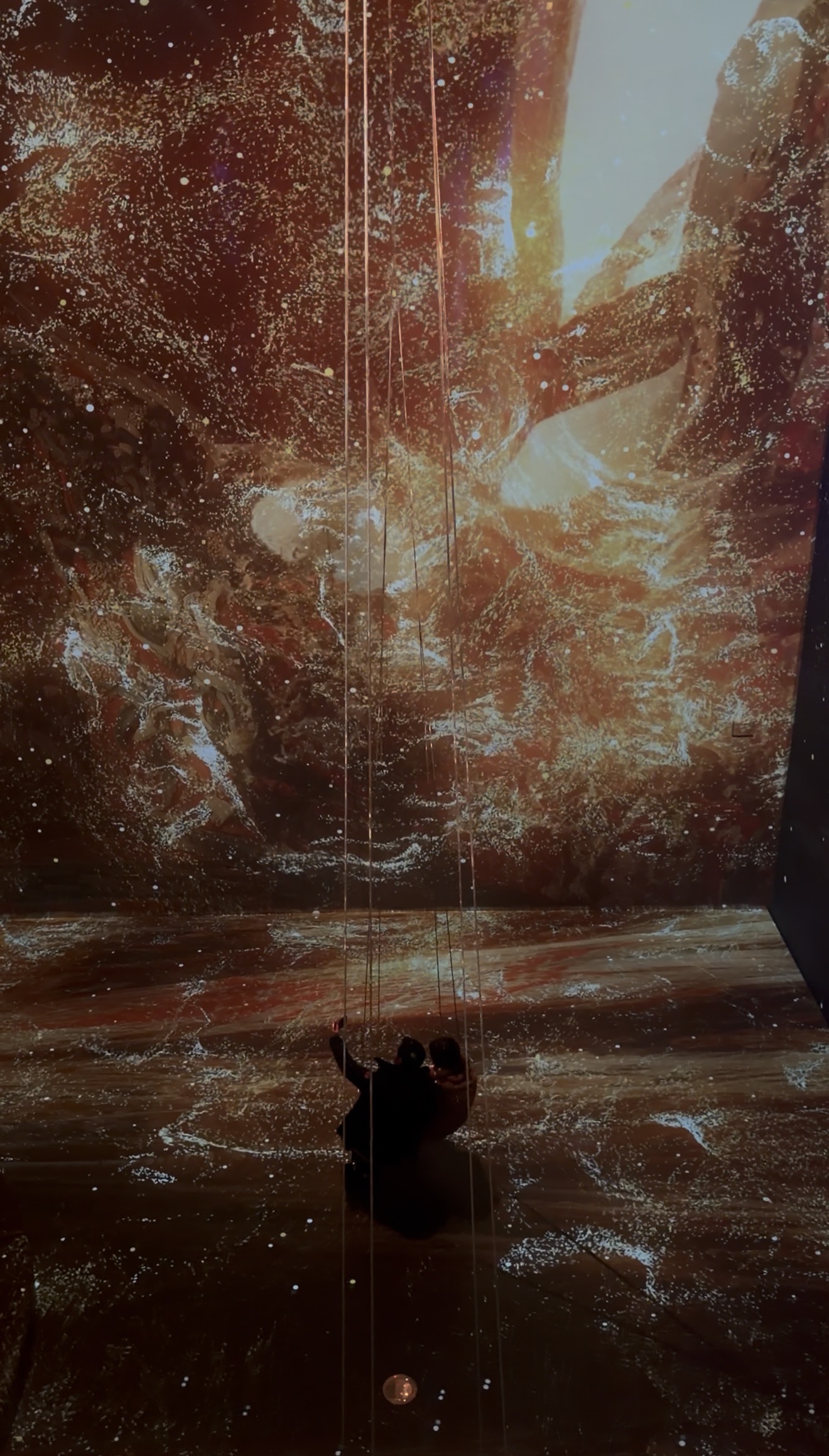
Week 7
Midterm Part 2
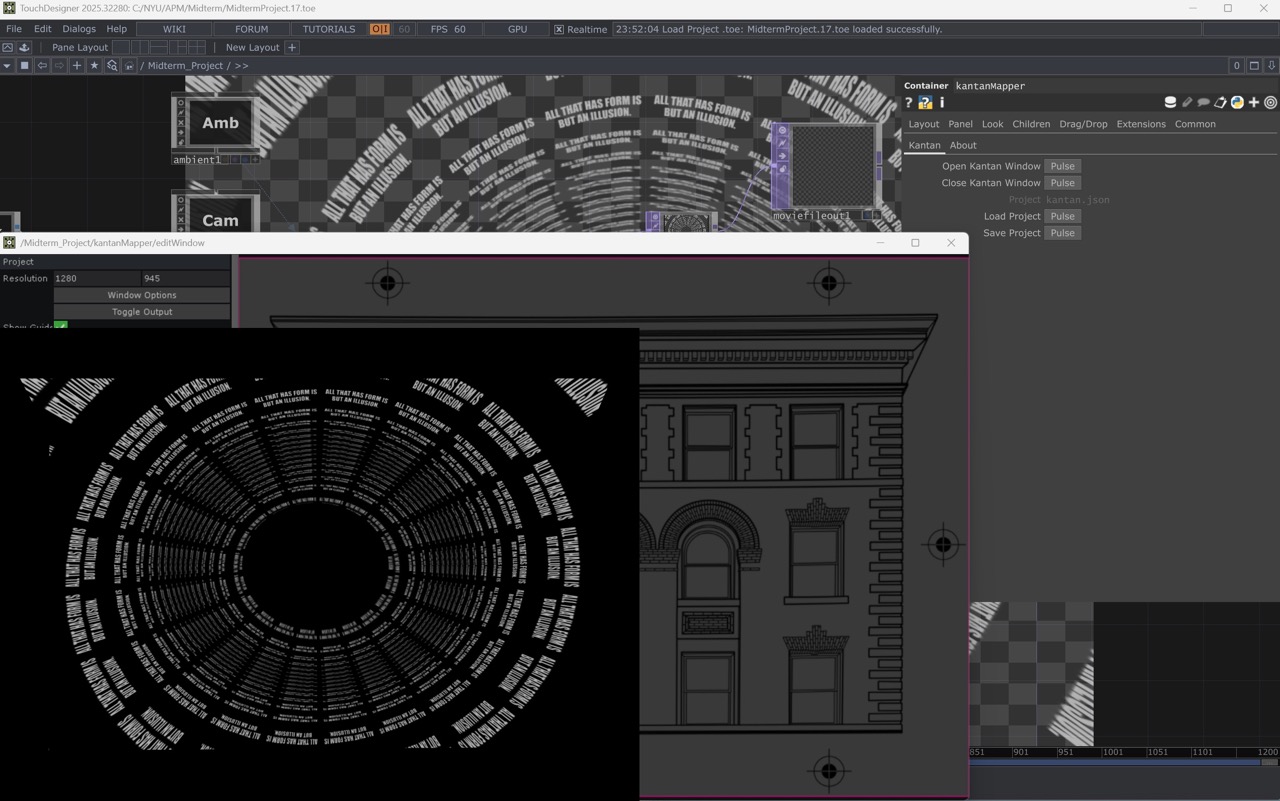
This week, I finalized the 20 secs video (15 secs on After Effects, 5 secs on TouchDesigner) and merged it.
Final Video:


Week 6
Midterm Part 1
Concept: Greyscale with gold/silver color, from singular points to complex symmetries: an exploration of form, disintegration, and the inevitable return to the void.
Reference: Quotes from "Diamond" Sutra - Watson, B. (2010). The Diamond Sutra. The Eastern Buddhist, 41(1), 67–100. http://www.jstor.org/stable/26289589
"Wherever there are such bodily marks, in every case they are all empty falsehoods. But if one sees that bodily marks are no bodily marks, then one sees the Thus Come One (Tathagata, the truth) " (Chapter 5 여리실견분) - 무릇 형상이 있는 것은 모두 다 허망하니, 만약 모든 형상을 형상이 아닌 것으로 보면 곧 여래를 보리라.
"Those who look for me in forms, who seek me in the sound of a voice- those persons walk an erroneous way, they can never see the Thus Come One (Tathagata, the truth)" (Chapter 26 법신비상분) - 물질적인 형상으로 나를 보려 하거나 음성으로 나를 찾는 이는 잘못된 길을 걷는 것이니 결코 여래를 보지 못하리라.
"Because all conditioned dharmas are like dreams, phantoms, bubbles, shadows, like dew, or again like lightning- in this way should you view them." (Chapter 32 응화비진분) - 조건으로 만들어진 모든 현상은 꿈, 환상, 거품, 그림자 같으며, 이슬과 같고 번개와도 같으니 마땅히 이와 같이 관찰할지니라.
"All living creatures, whether born from egg or from the womb, whether produced from moisture or from transformation, whether they have form or are without form, whether they have thought, are without thought, or are neither with or without thought- all these I will cause to pass over into the extinction of the nirvana of no remainder. (Chapter 3 대승정종분) - 세상에 있는 모든 중생들, 즉 알로 태어나는 것, 태로 태어나는 것, 습기로 태어나는 것, 화해서 태어나는 것, 형상이 있는 것, 형상이 없는 것, 생각이 있는 것, 생각이 없는 것, 생각도 아니고 생각 아님도 아닌 것들까지, 내가 모두 이들을 남김없는 열반에 들게 하여 제도하리라.
Storyboard :
1. Dots on a background reforming into particle movements
2. Particles turn into line art, and the line art with particles moves like waves or winds
3. The lines create geometric shapes, and the shapes turn into a mandala
4. The mandala becomes chaotic, breaks down minimal lines and particles, and creates the shape of a sitting bodhisattva.
5. The bodhisattva breaks down into dots and falls and fades out
*Disclaimer: The idea makes sense to me, but I'm not sure if my skillset is ready to execute.
20 secs sample video - dots reforming only
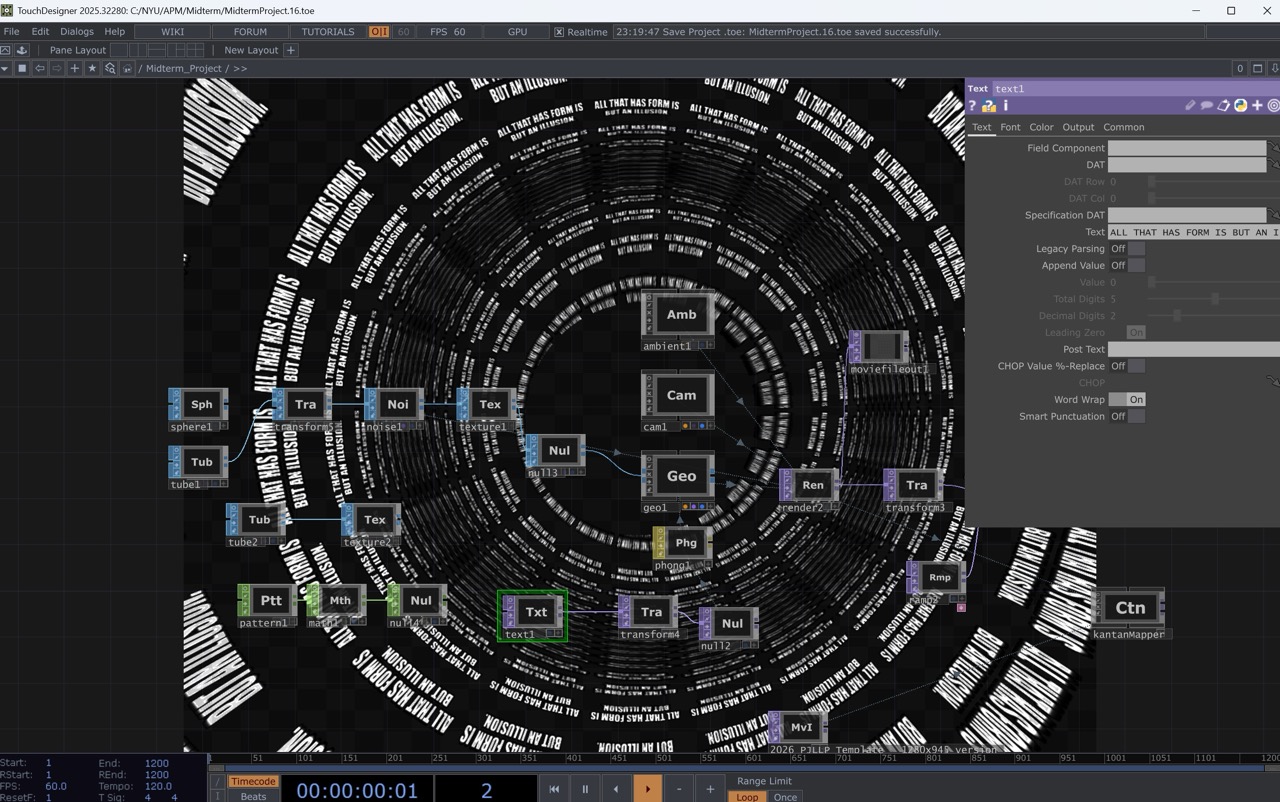
Screenshots:
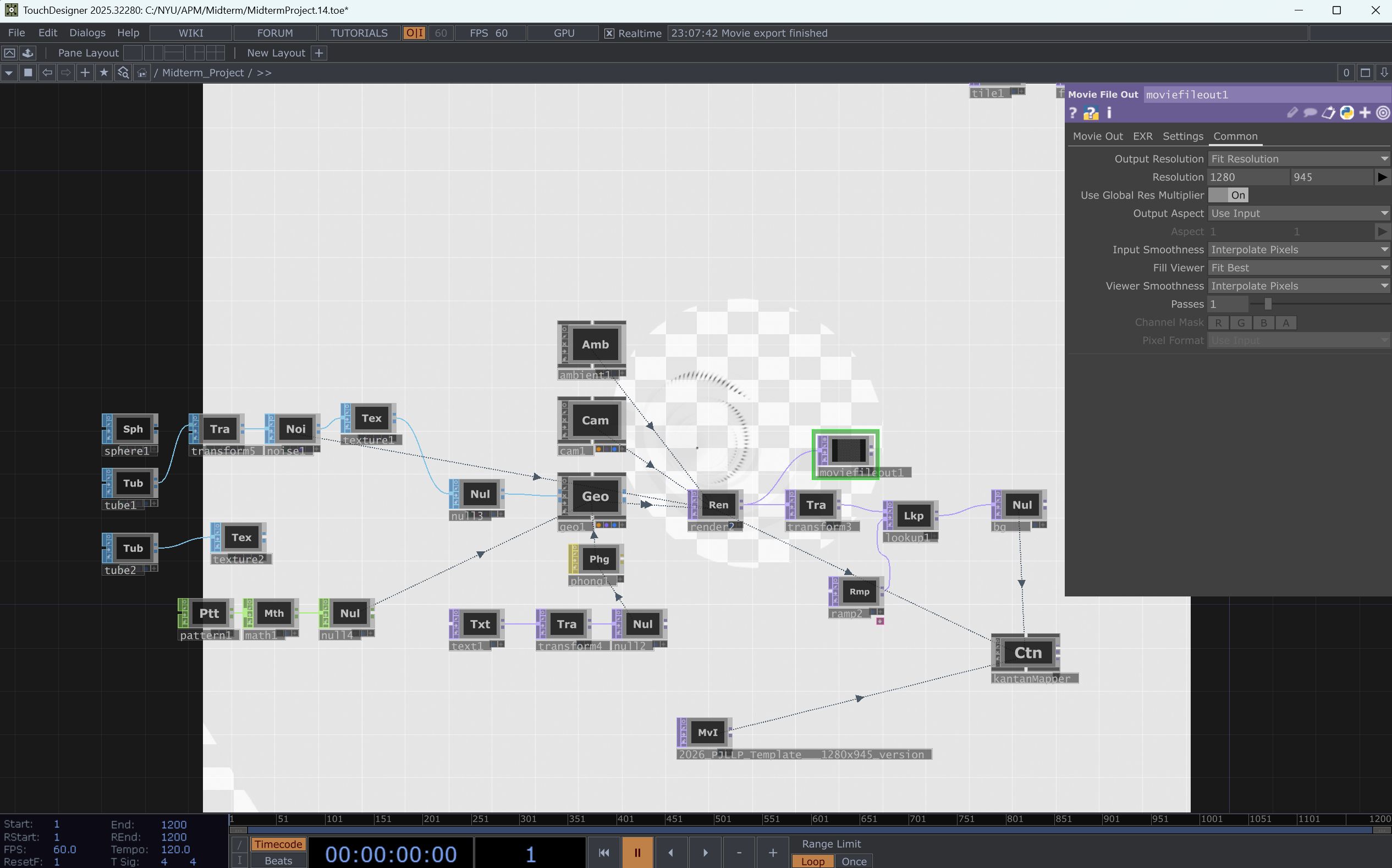
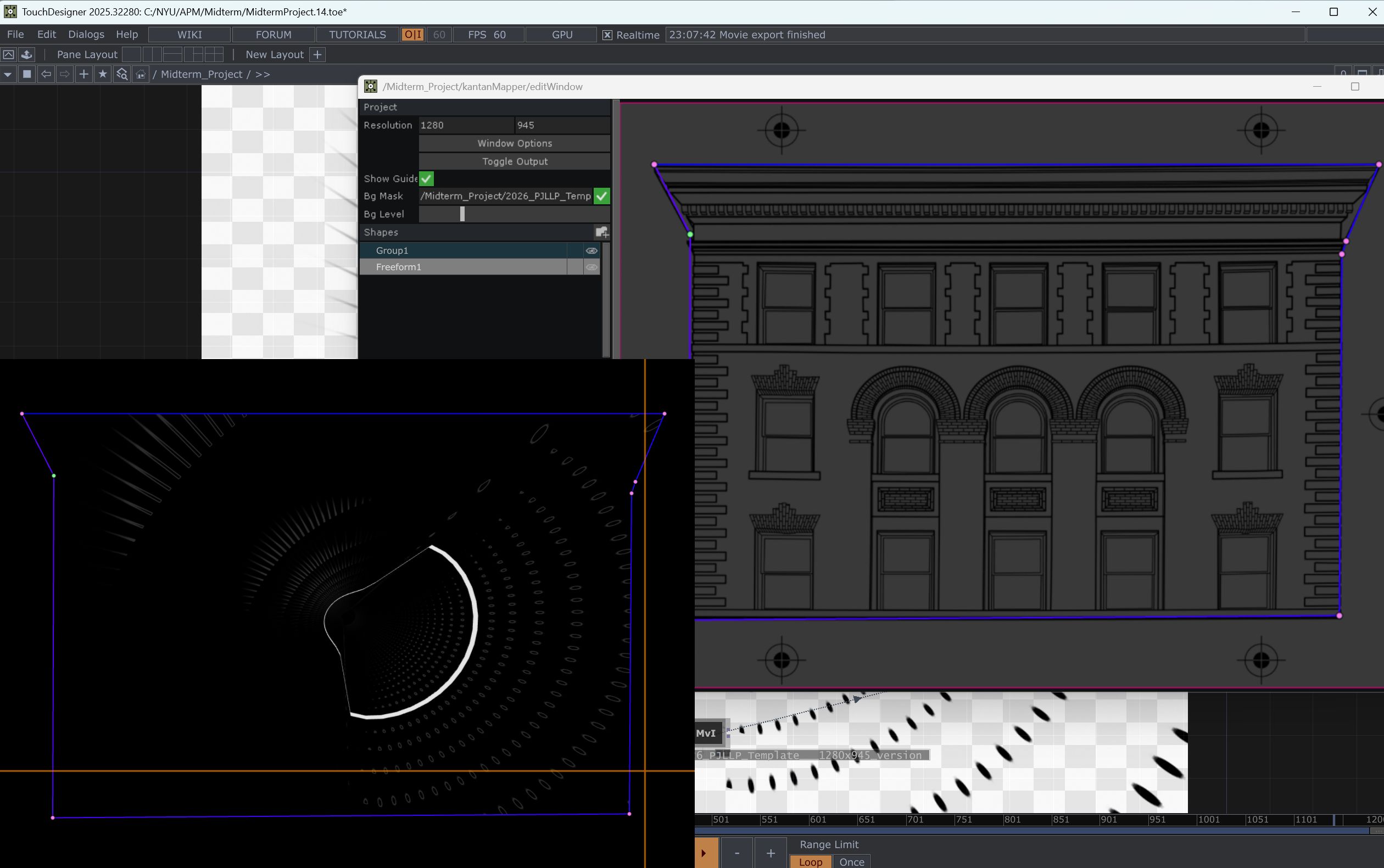
The tutorial I followed: https://www.youtube.com/watch?v=kosFgK7DdCo
Link to the file: https://drive.google.com/file/d/1PmvZ9_3x7SkaMeaYpMqFZKd6utMaW5Yf/view?usp=sharing
Week 4-5
Concept: Kaleidoscope with Audio-Reactive
OBS Documentation:
Reference Video:
Link to TD file: https://drive.google.com/file/d/1RwrFWgzDNmKyOkA0pykuyJqI1N4Fm-XJ/view?usp=sharing
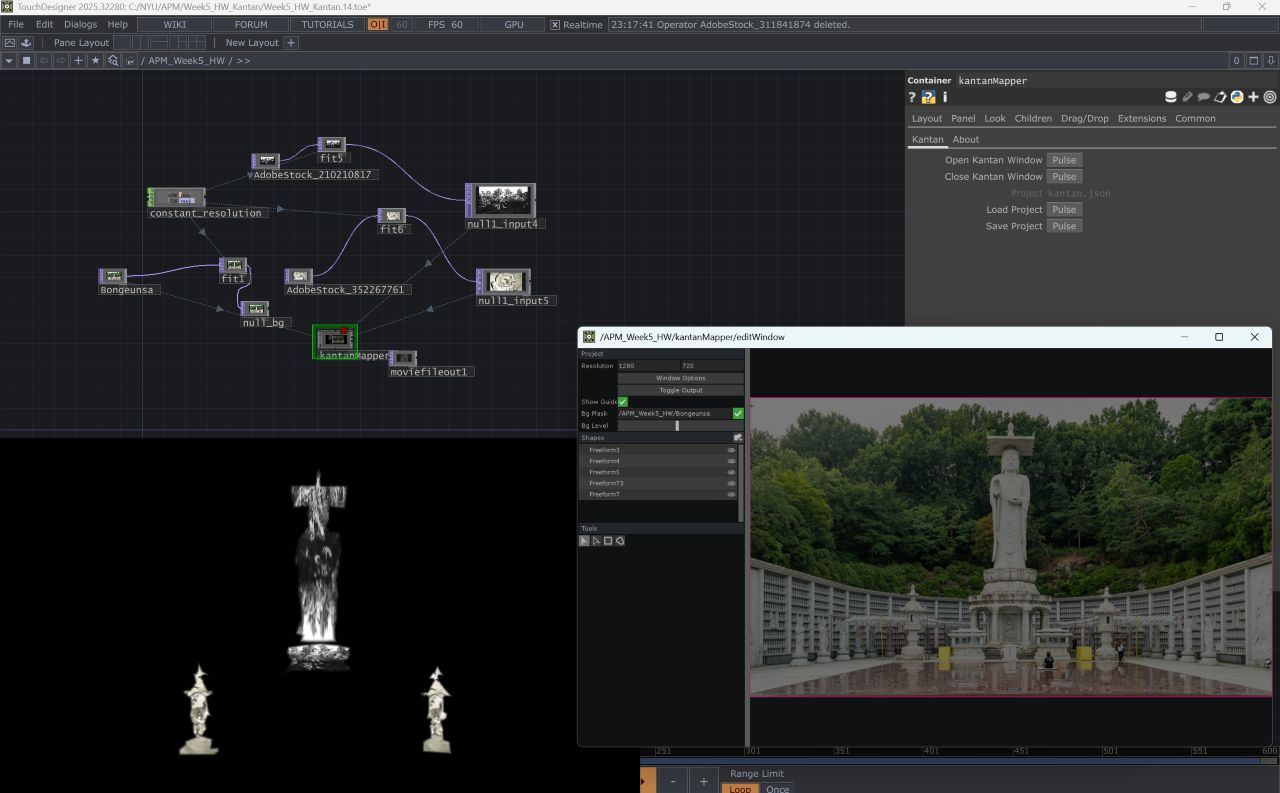
KantanMapper to Map on an image:
Location: Bongeunsa Temple, Seoul, Korea. Bongeunsa is one of the Korea's oldest temple, established in the Goryeo dynasty. It has long been a unifying force for the people, standing strong as a symbol of resilience amidist the chaos of history.
Story: The smoke from the Buddha's heart symbolize purity of human nature and the full spectrum of our emotions, and the video on the two pagoda visualize the eternal cycle of Samsara and the ripples of Karma.
TD screencaps:
Week 3
Concept: Water, Fluid, Mandala, Kaleidoscope, Meditation, Interactive
Water caustics, fluids, and particles were my initial mission this week. To create proper water caustics, GLSL code seems essential, and learning to code is time-consuming. Then I found myself pausing to reflect on the "why". I wanted this piece to be more than just a technical exercise. I wanted it to be connected to my "world," which I am building with these visuals. Looking back, I've explored Mandalas before, and my ultimate goal is to weave Buddhist elements into interactive art, creating a cohesive visual universe that reflects my philosophy. So I decided to pivot back to my favorite concept: Mandala- with water-ripple effect, and found a tutorial.
OBS Documentation: Creating Audio-Reactive Fluid Mandala.
The tutorial I followed:
Week 2
OBS Documentation: Master Resolution using CHOP Constant, TOP Transform, CHOP Info, Using KentonMapper
Video from the class
Link to the file:
https://drive.google.com/file/d/1kAnPy7yaxZNwjzqj0FNdQJD33ofDC9Ds/view?usp=drive_link
Concept:
Water Caustics, Fluid Simulation, Shore etc
Tutorial Examples:
https://www.youtube.com/watch?v=7n5AXpsue5k
https://www.youtube.com/watch?v=e7K_UX7KUzw
https://www.youtube.com/watch?v=bBbyMkzTNpg
https://www.youtube.com/watch?v=opbZOCFazSE
Reference Images:


Nodes to use:
TOP:
1. Noise - creating the base particle fluid element
2. Edge- drawing the edges to outline the water/light movement
3. Transform - using absTime.seconds/30 level to give rotation value
4. Level - increasing the contrast between the black and sharp lines
5. Blur, Bloom- blurring the area around the lines and blooming the lights to make it more realistic
6. Slope - defining ripple with edges
7. Displace - distorting fluid and creating a refraction effect
8. Feedback- delaying the movement and giving a decay to disappear
CHOP:
1. LFO - control the moving pattern
2. Audio - sync the movement of the fluid with the audio wave (optional)
Week 1
Video Documentation of the Week 1 - Display/Projector Setting, Using Stoner
Link to download the working file : https://drive.google.com/file/d/1gR0oG8euKgzjZLI0jjOBTg0hMnUS8NS4/view?usp=sharing
TouchDesigner:
Watch 101: https://learn.derivative.ca/courses/100-fundamentals/lessons/101-navigating-the-environment/
Watch 102: https://learn.derivative.ca/courses/100-fundamentals/lessons/102-tops-working-with-images/
- very helpful to learn step-by-step.
Reading: Chapter 12 Gear: Media Servers, in Digital Media, Projection Design, and Technology for Theatre.
- As I am planning to build my own desktop computer for 3D modeling and rendering, this chapter was interesting and helpful to read.
Bring 1 object (teddy bear/soda can etc.) to class that you want to map on next time, max 2 x 2 ft
Inspiration the week- Mercer Lab